Step 1
Pickup proof
What to photograph
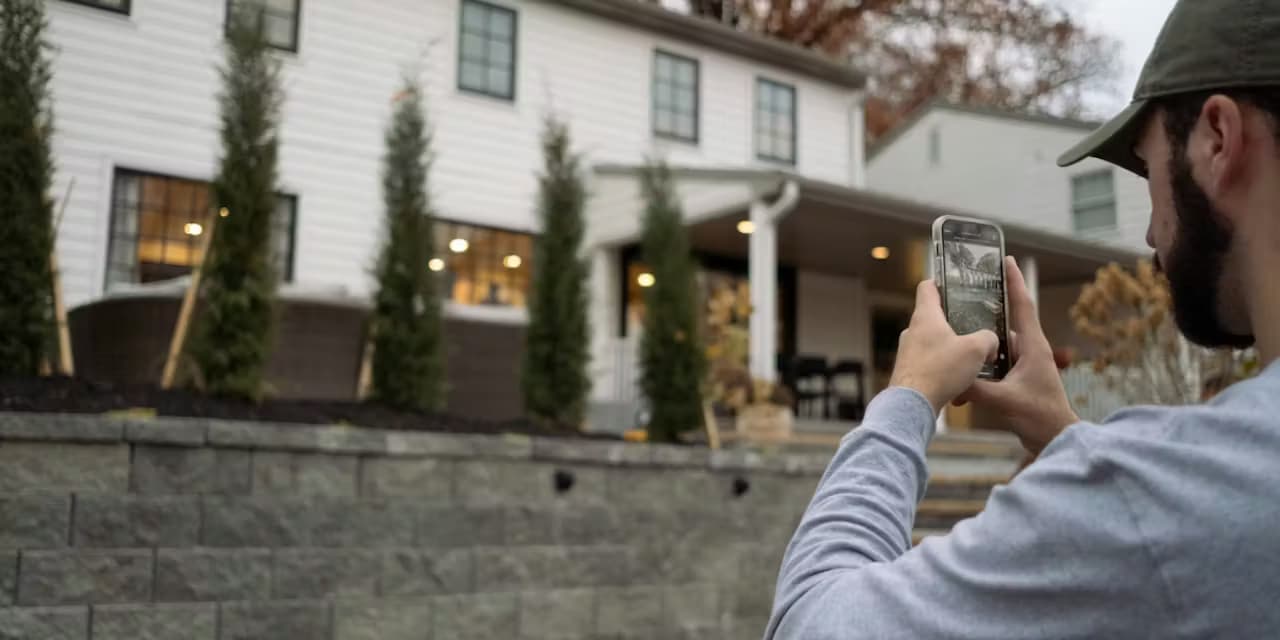
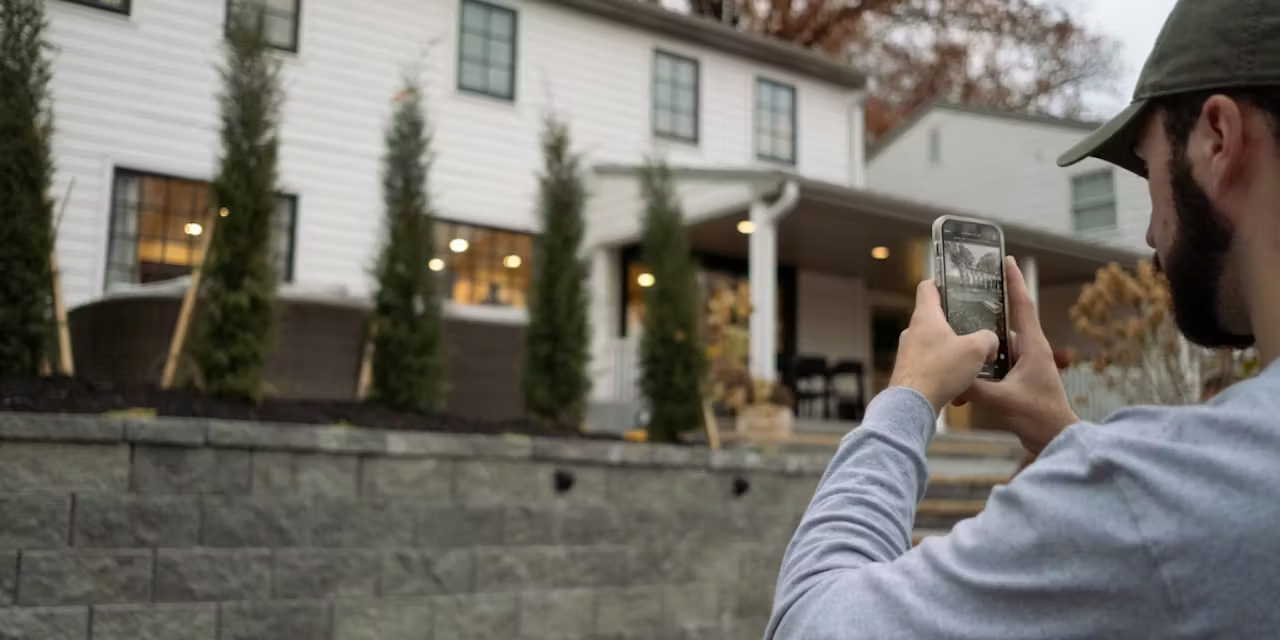
Photo of the item, package, or site before you move it. Make sure it is clearly visible and identifiable.
How to take it
- 📱Hold steadyLandscape or portrait. Just keep it still.
- 💡Good lightingFace the light. No flash if there is daylight.
- 📦Full item in frameStep back. No cropping.
- 📍Stay putGPS is auto. Do not move while it saves.
- 🏷️Include a referenceLabel, address number, or sign in the shot.
Step 2
Drop proof
What to photograph
Photo of the item after delivery or completion. Show it in its final position.
Drop photo checklist
- ✅Item in final positionWhere you left it.
- 🏠Show the locationDoor number, street sign, or building name.
- ⏰Take it immediatelyDo not wait. Timestamp proves when.
- 🔍Clear and sharpIf you cannot tell what it is, retake it.
- 🚫No fingers on lensCheck before you move on.
Automatic
What PAX adds to every photo
GPS coordinates
Exact latitude and longitude. Proves where you were standing.
Timestamp
Date and time to the second. Proves when the photo was taken.
Job link
The photo is attached to the job record. It cannot float loose.
Proof chain
Pickup + drop together form the complete proof.
That is the whole process. Two photos, taken properly, at the right time. PAX handles the rest.